Blog · September 15, 2026 · 14 min read
Can Apple Watch Detect Illness Before Symptoms?
Wrist temperature, HRV, and resting heart rate often shift a day or two before you feel sick. Here is what Apple Watch can catch and what it cannot.
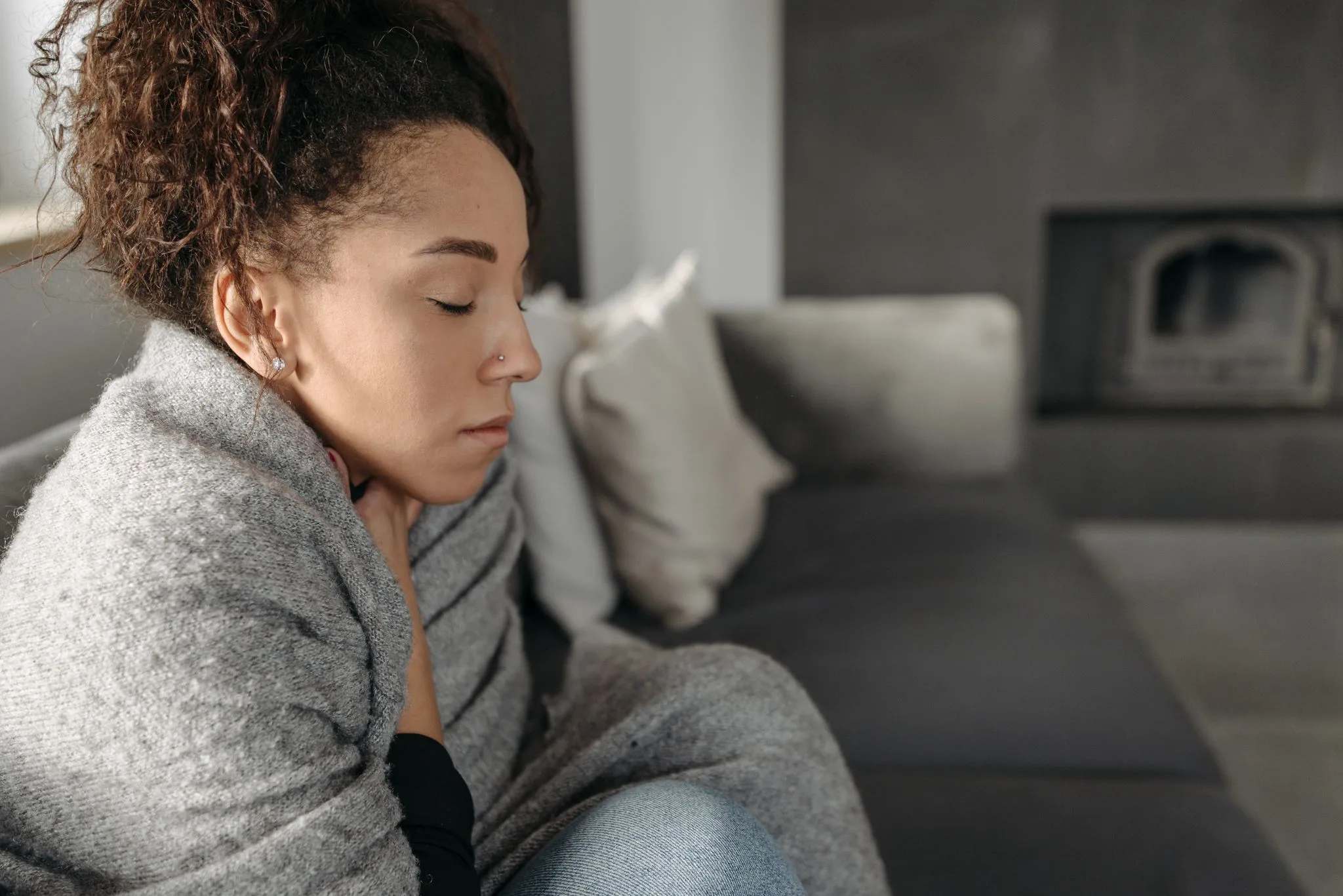
The story is always the same. Apple Watch flags a strange night of data. A day or two later comes the sore throat and fever. It happens often enough that one question is worth taking seriously. Can Apple Watch detect illness before you feel it?
Yes, sort of. Apple Watch cannot detect an illness, but it can catch early body changes that often show up a day or two before you feel sick. A rise in wrist temperature, a drop in heart rate variability, a higher sleeping heart rate, or a faster respiratory rate can all appear before symptoms start. Those shifts are wellness signals, not a diagnosis. Apple says so plainly: the Vitals app is for wellness purposes only, and its measurements are not intended for medical use.
Here is what a pre-sick night looks like in your data, which metrics move first, and where the honest limits are.
The short answer
- Yes-ish. In research on wearable data, body signals shifted on average about a day before people reported symptoms, and almost three days before they got tested.
- The metrics that matter most are wrist temperature deviation, HRV (heart rate variability), overnight heart rate, and respiratory rate.
- Apple's Vitals app compares these against your own baseline and sends a morning notification when multiple metrics fall outside your typical range.
- It is wellness-level information. It can tell you your body looks off. It cannot tell you what is wrong or confirm you are sick.
- Apple positions the Vitals app for wellness only, not medical use. If you have symptoms, the right move is a doctor or a test, not a watch.
What does getting sick look like in your Apple Watch data?
When an infection starts, your immune system responds before you notice anything. That response changes your body in measurable ways. Your temperature creeps up. Your heart works a little harder. Your nervous system shifts away from its rested state.
Your Apple Watch can see some of this, but only if you wear it to sleep. The Vitals app builds a picture of your typical overnight values over at least 7 nights of sleep tracking. After that, every morning it checks five overnight metrics against your personal normal. Those are heart rate, respiratory rate, blood oxygen, wrist temperature, and sleep duration. On Apple Watch Series 12 and Ultra 4, HRV replaces sleep duration in that list.
When multiple metrics land outside your typical range, you get a notification the next morning. The Vitals app also lists possible reasons, and illness is one of them, right alongside alcohol, medications, and elevation. That list matters. A flagged morning is a question, not an answer.
Apps that read Apple Health data can layer in more context. Ness, for example, reads the same metrics, meaning HRV, resting heart rate, sleep, and wrist temperature. It folds them into daily Sleep and Recovery scores, computed on-device against your personal baselines.
Which metrics shift first?
Research gives a rough order of events. In the TemPredict study, covered below, the pattern around illness onset was rising skin temperature, rising heart rate, rising respiratory rate, falling HRV, and falling activity. The temperature signal was clearer during sleep than during the day.
Here is how that maps to what Apple Watch shows you:
| Metric | Typical shift before sickness | How early it tends to show |
|---|---|---|
| Wrist temperature deviation | Rise above your personal baseline, often 0.5 degrees C or more | 1 to 2 days before symptoms |
| HRV (heart rate variability) | Drop below your baseline | Around the same window; it fell as illness began in the study |
| Sleeping heart rate | Runs above your typical overnight range | 1 to 2 nights before you feel sick |
| Respiratory rate | Faster breathing than your normal | Around illness onset, sometimes early |
| Blood oxygen and sleep duration | More variable, less reliable as early signs | Usually after you already feel sick |
Two things matter more than any single number. Multiple metrics moving at once is a stronger signal than one odd reading. And direction has to fit: temperature up, heart rate up, HRV down is the classic pre-sick shape.
HRV, short for heart rate variability, measures the tiny timing differences between one heartbeat and the next. Higher usually means a rested body. A sudden drop can mean stress, hard training, poor sleep, alcohol, or illness. For more, see our guide to Apple Watch HRV and our piece on heart rate versus resting heart rate.
How does wrist temperature deviation work?
Wrist temperature is the metric people most often connect with "my watch knew I was getting sick." It is also the most misunderstood.
Apple Watch Series 8 and later, every Ultra model, and the SE 3 have two temperature sensors. One sits on the back crystal, against your skin. The other sits just under the display. While you sleep, the watch samples your temperature every five seconds. The two-sensor design helps cancel out warmth from your blanket or a warm room.
After about five nights, the watch sets your baseline wrist temperature. From then on, it does not show a temperature number the way a thermometer would. It shows a deviation, how far last night differed from your own normal. You see this in the Health app under Body Measurements, then Wrist Temperature.
That design is why the answer to "how many degrees means fever" is none. Apple states it directly: the temperature sensing feature is not a thermometer. It cannot take your temperature on demand, and it is not a medical device. A plus-0.8 degree C deviation is not a fever reading. It means your wrist ran warmer than your baseline last night, which can happen with illness. It can also happen with alcohol, a hot room, a late workout, or where you are in your menstrual cycle. In the TemPredict study, adding continuous skin temperature to the illness-detection model improved its accuracy from 0.770 to 0.819, a 4.9 percent gain. That is why temperature data matters so much here.
One practical note: a loose watch band degrades wrist temperature data. And if you switch to a new Apple Watch, it takes about five nights to rebuild your baseline.
What do watchOS 27 daytime vitals add?
For years, all of this illness-adjacent data was overnight-only. watchOS 27, released September 14, 2026, changes that on the newest hardware.
On Apple Watch Series 12 and Apple Watch Ultra 4, the new Health Sensing System measures heart rate every five seconds all day. HRV is now measured as often as every five minutes. That is 24 times more frequently than before. Apple splits HRV into two views: Recovery HRV for daily stress and recovery signals, and overall HRV for longer-term cardiovascular health. Overnight vitals now include Recovery HRV judged against your personal baseline.
The bigger shift is a new daytime vitals view in the Vitals app. You can toggle between overnight and daytime metrics, and daytime shows resting heart rate and HRV. Apple's own framing is careful: the daytime view can potentially spot shifts in your metrics before they show up overnight.
For illness-spotting, that is a real upgrade. An infection brewing in the afternoon can nudge your resting heart rate up hours before your first bad night of sleep data. The new readiness score also blends activity, vitals, and sleep score into one 0-to-10 daily rating, so you get more same-day warning than overnight data alone could give. If you track these scores, see our pieces on the Apple Watch sleep score and the Apple Watch recovery score.
Daytime vitals require Series 12 or Ultra 4. On older watches, overnight Vitals still works as before.
When is it just noise?
Most flagged mornings are not illness. The Vitals app itself lists the common causes: medications, elevation, alcohol, and illness, among others. Add travel, a hard workout two nights ago, a warm bedroom, stress, and a late meal. Any of these can push one or two metrics outside your typical range.
Use these filters before you worry:
- How many metrics are off? A single outlier night is usually noise. The Vitals notification fires only when multiple metrics are off, and that threshold exists for a reason.
- Did it stick? Two or three nights in a row, in the pre-sick direction, is a pattern worth noticing.
- Was there an obvious cause? Wine with dinner, a red-eye flight, or a new altitude explains outliers better than germs do.
- Does the shape match? Temperature and heart rate up, HRV down, is the illness shape. Everything low after travel is more likely exhaustion.
Weighing several signals at once is where dedicated apps earn their keep. In Ness, the daily Recovery score is built from these same metrics against your own baseline, so "off but explainable" scores differently than "off in every direction." If a morning looks weird, you can ask the AI coach what might explain it. See strain vs stress vs recovery to go deeper on telling those states apart.
Can Apple Watch tell you which illness you have?
No. This limit is firm, and no firmware update changes it.
The data your watch collects is nonspecific. A rising temperature, a faster heart rate, and a falling HRV look nearly identical whether the cause is flu, COVID-19, a stomach bug, or a bad reaction to a vaccine. The immune response is similar in each case, so the wearable signature is similar too.
The best evidence here is the TemPredict study, run by university researchers in California. Over 63,000 people wore Oura rings and answered daily symptom surveys. The researchers trained an algorithm to spot COVID-19 onset from wearable data. It worked reasonably well. It flagged infection an average of 2.75 days before people got tested, with 82 percent sensitivity and 63 percent specificity. Physiological signs appeared on or before reported symptoms in most cases.
Two caveats deserve attention. Accuracy varied meaningfully by age and sex, so these patterns are not uniform across people. And the authors noted there may be limits to telling one illness from another using body signals alone, such as telling flu from COVID-19, which remains untested. That is the honest state of the science: wearables can often tell that something is starting. They cannot tell what.
Only a test can do that. If you actually feel sick, testing and a doctor come first, and the watch data comes second.
Should you change your plans when your data looks pre-sick?
Treat a pre-sick-looking morning as useful information, not a verdict. Here is a sensible ladder.
One or two metrics off, and you feel fine: do nothing dramatic. Sleep, hydrate, and take an easy day. That is good advice on any morning.
Several metrics off in the illness shape, and you feel fine: take the cheap precautions. Get extra sleep. Move the workout to a walk. If it is September or October and you have not had a flu shot, the CDC says those are good months to get one, and everyone six months and older should be vaccinated each season. Don't cancel your life over a chart. Do give your body a softer day.
Symptoms, or data that stays abnormal for several days: stop reading charts and call a doctor. A watch cannot examine you or order a test. That situation deserves a human with a medical license.
One flu-season note: the CDC says all three virus components of 2026-2027 U.S. flu vaccines are updated versus last season, and flu ramps up as fall turns to winter. That is exactly when pre-sick patterns start showing up in everyone's data. An early warning is most valuable for boring things: sleep, hand-washing, skipping the late night.
FAQ
Can Apple Watch detect COVID?
Not officially. Apple makes no claim that Apple Watch detects COVID-19 or any illness, and the Vitals app is for wellness purposes only. But research supports the underlying idea. In the TemPredict study, an algorithm using Oura ring data flagged COVID-19 an average of 2.75 days before participants got tested, with 82 percent sensitivity. Apple Watch collects similar signals, including temperature, heart rate, HRV, and respiratory rate, so it can show the same kind of early pattern. Confirming COVID-19 still takes a test, always.
How many degrees of wrist temperature deviation means fever?
None. Wrist temperature is not a body temperature reading. Apple Watch shows how far your wrist ran from your own baseline, not a number you can compare to a fever threshold. Apple states the feature is not a thermometer, cannot measure on demand, and is not a medical device. A high deviation means your wrist ran warmer than your normal. That can accompany illness, but only an actual thermometer can tell you if you have a fever.
Does Apple Watch notify you when you're getting sick?
Close, but not exactly. The Vitals app sends a morning notification when multiple overnight metrics fall outside your typical range, and lists illness as one possible factor among alcohol, medications, and elevation. It never says "you are getting sick." It says "your data was unusual last night, here are some possible reasons." On Series 12 and Ultra 4, daytime vitals can surface shifts earlier in the day.
Do you need to sleep with Apple Watch on to catch these shifts?
Yes, for the overnight system. The Vitals app needs Sleep Focus enabled and at least 7 nights of sleep data to establish your typical ranges. Wrist temperature needs about 5 nights for its baseline. Skip nights and you skip data. On Series 12 and Ultra 4, daytime vitals add resting heart rate and HRV during the day as well.
Is an HRV drop before sickness reliable?
A drop is real information, but it is not specific. HRV falls with stress, poor sleep, alcohol, travel, hard training, and illness alike. In the TemPredict data, HRV dropped as illness began, but HRV alone was not the strongest signal. The best results came from combining temperature, heart rate, HRV, respiratory rate, and activity. One low HRV morning means little. A low HRV morning plus a warm wrist plus a fast sleeping heart rate means more.
Can Apple Watch detect the flu?
Same answer as COVID: no official detection, same early-pattern potential. Flu drives the same generic immune response as other infections. That means temperature up, heart rate up, and HRV down. The watch can show the pattern. It cannot tell flu from COVID-19 or a cold. Testing does that. What it can do is give you a day or two of heads-up to rest, which is when sleep matters most.
Sources
- Apple Newsroom, Apple advances health and fitness capabilities using Apple Intelligence, Apple, September 9, 2026
- Apple Support, Track your overnight and daytime vitals with Apple Watch, Apple, September 14, 2026
- Apple Support, Track your nightly wrist temperature changes with Apple Watch, Apple, September 14, 2026
- Ashley E. Mason et al., Detection of COVID-19 using multimodal data from a wearable device: results from the first TemPredict Study, Scientific Reports, March 2, 2022
- Centers for Disease Control and Prevention, Key Facts About Seasonal Flu Vaccine, CDC, 2026
- Centers for Disease Control and Prevention, 2026-2027 Flu Season, CDC, September 2, 2026
Related reading
- Apple Watch HRV: what it means and how to read it
- Heart rate vs resting heart rate
- Apple Watch sleep score explained
- Apple Watch recovery score explained
- Strain vs stress vs recovery
Can a watch know you are getting sick before you do? Not quite. But it can notice that your body has quietly left its normal lane, often a day or two before your throat confirms it. Used well, that heads-up is worth something real: an earlier bedtime, a skipped workout, a test taken a day sooner. Ness is built for exactly this kind of morning. It reads the same Apple Health metrics your watch records, such as HRV, resting heart rate, sleep, and wrist temperature, and turns them into daily Sleep and Recovery scores against your personal baselines, all computed on-device. You can also ask the AI coach about a data day that looks strange. Ness is $12.99 per month or $79.99 per year on the App Store.
Nothing here is medical advice. Health apps and wellness scores are tools, not diagnoses; if you have symptoms or a health condition, see a physician.